Drive in BeamNG
Once a circuit is built and installed, its layouts are BeamNG levels like any other.
Open a level
Start BeamNG.drive, open Freeroam, and pick a level. Each layout is its own level, named after EVO's circuit and layout, such as Laguna Seca (GP) or Nurburgring (Nordschleife), with EVO's menu picture and its map of the layout.
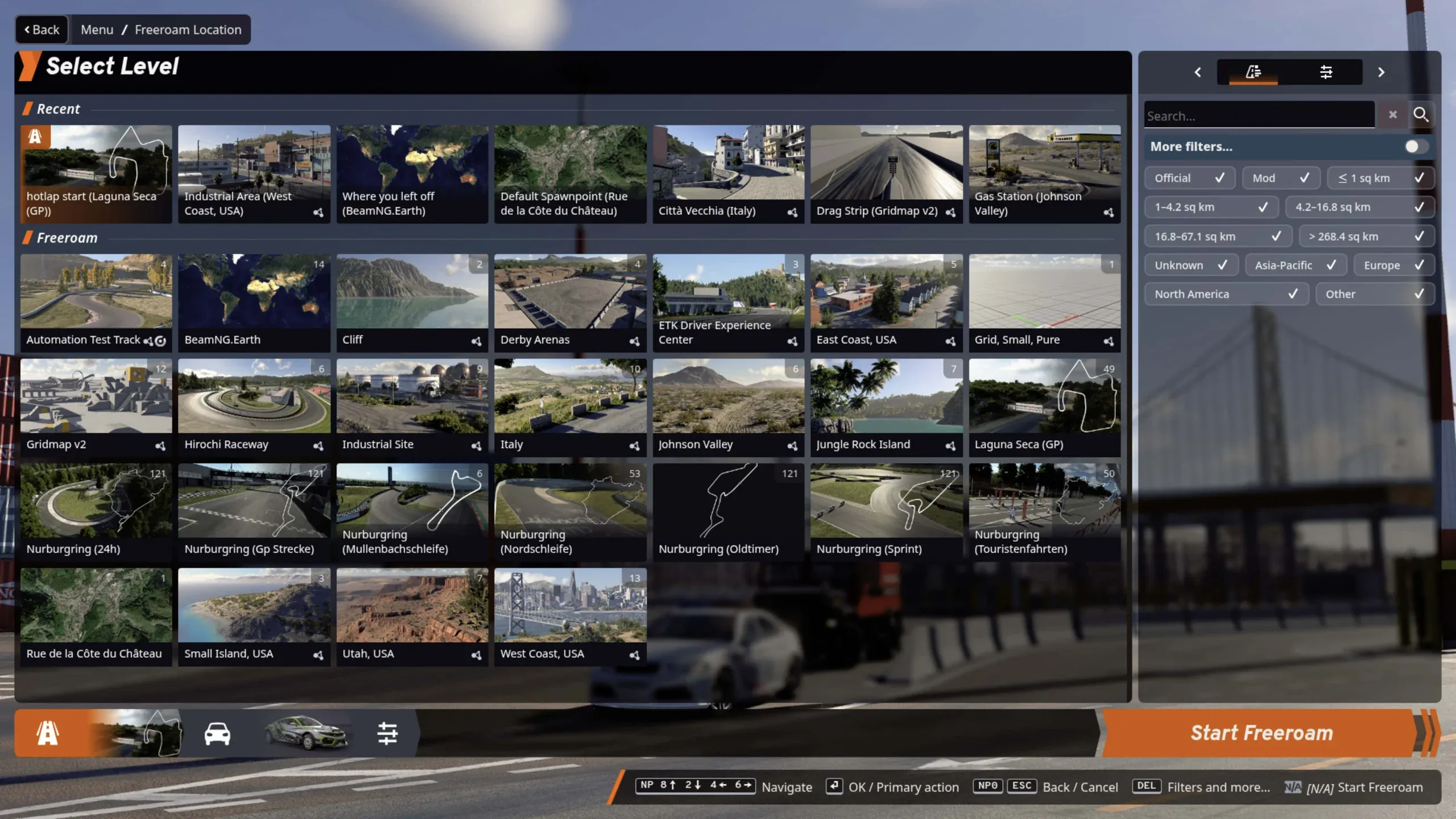
The level's details come from EVO's own data: the country and region (BeamNG's level filters use them), the layout's length, the circuit's altitude and coordinates, its number of grid slots and pit boxes.
Choose where to start
Every start position EVO has for the layout is a BeamNG spawn point, listed by type:
| Spawn point | Where |
|---|---|
| Garage 1, 2… | In the garages |
| Pit box 1, 2… | In front of each pit box |
| Pit lane 1, 2… | Along the pit lane |
| Grid 1, 2… | On the starting grid; Grid 1 is the pole |
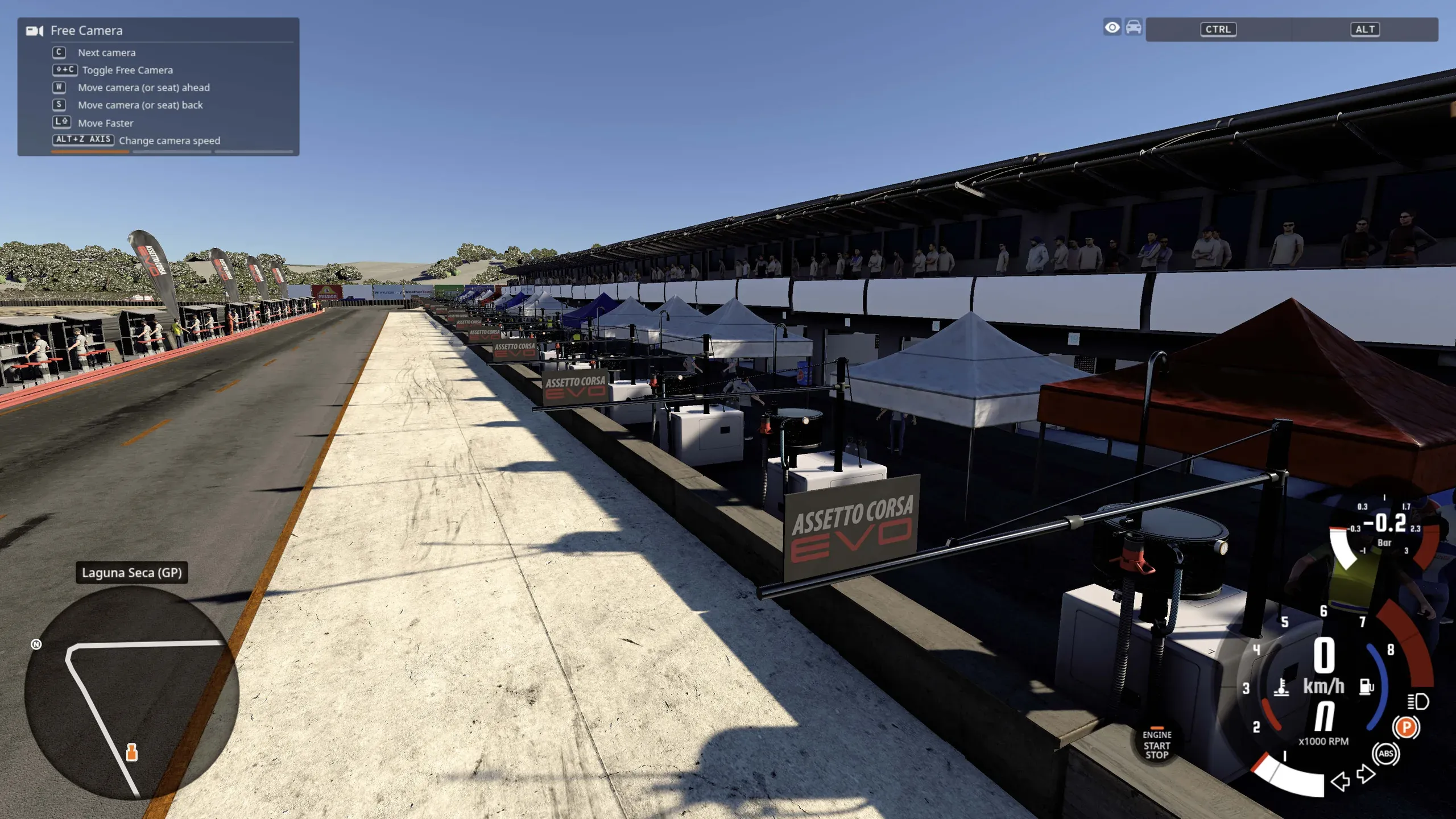
Other starts follow under EVO's own names, such as the hot-lap start. The default spawn point, listed first, is where EVO starts its hot laps (else its time attack, else its race). You can also jump to any of them from BeamNG's big map.
Set a time
The level starts at the date and time of EVO's race session, with the sun where it would be at the real circuit. Change the time in BeamNG's environment settings while you drive, or build the level with another date or place. EVO's lights come on at night.
Run a time trial
Each layout has a race on EVO's timing lines, with EVO's sectors. BeamNG offers it as a time trial, with a standing start on the grid or a rolling start from the hot-lap position, where the clock starts when you first cross the line.
Drive in traffic
The level has an AI road along the middle of the track, in the race direction. BeamNG uses it for its traffic, its AI drivers, the minimap and the big map: turn traffic on in freeroam and you share the circuit with AI cars.
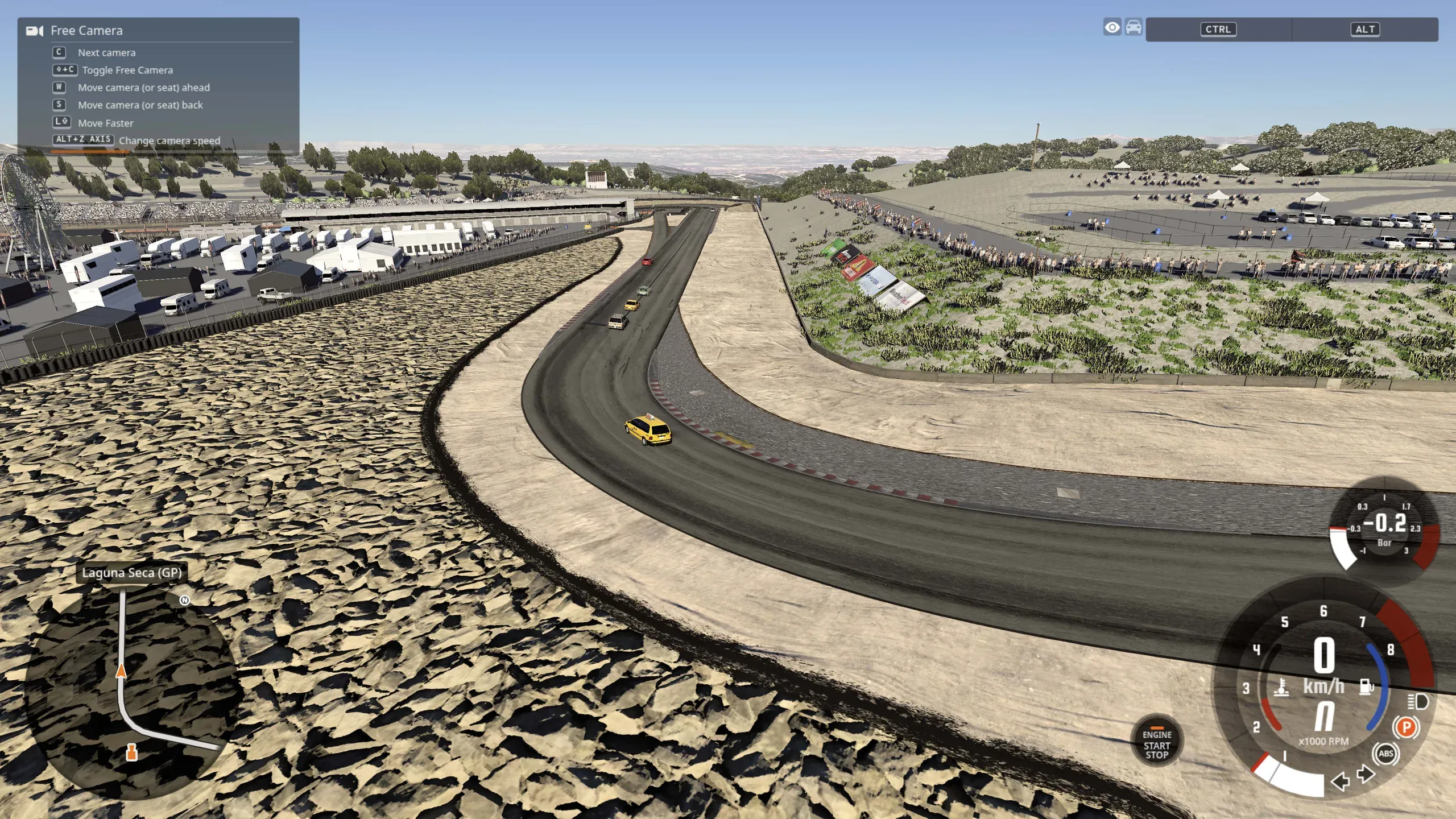
Watch from the TV cameras
EVO's TV cameras are saved as camera bookmarks in the level, at EVO's positions.